


LEGO® DUPLO® Peppa Pig


Installs
10M+Category
Play PassContent Rating
Everyone
Screenshots
Editor Reviews
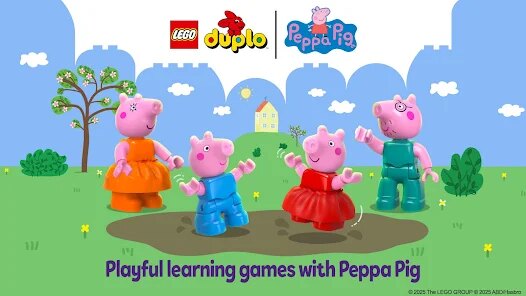
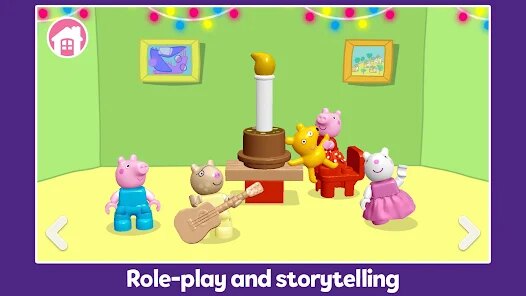
StoryToys, a Dublin-based studio renowned for its interactive children's books and educational apps, has dipped its toes into the world of licensed preschool gaming with LEGO® DUPLO® Peppa Pig. This is not a typical action-packed adventure; instead, it is a gentle, sandbox-style experience tailored for toddlers and young children. The game blends the tactile, building-block charm of LEGO DUPLO with the beloved, simple animations of Peppa Pig, offering a digital playset rather than a narrative-driven title. The sound design is a standout, featuring cheerful, original music and the authentic voice actors from the TV show, which instantly immerses young players in Peppa's world. Visually, it replicates the clean, colorful, and chunky aesthetic of DUPLO bricks, making everything look like a physical toy come to life, which is both charming and easy for little eyes to process.
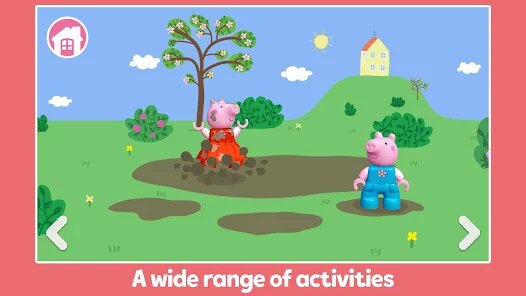
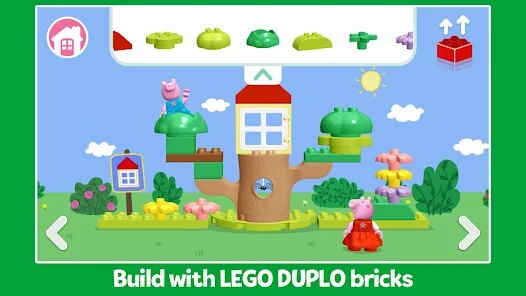
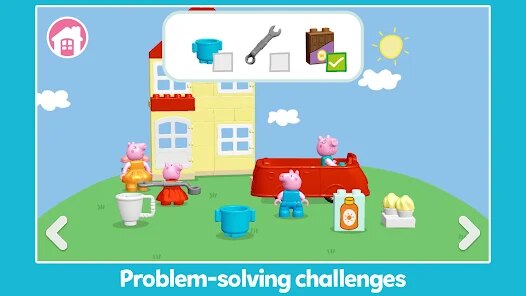
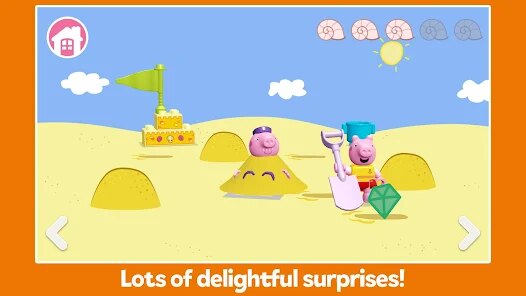
In terms of gameplay, there is no linear storyline to follow. Instead, the game presents a series of interactive environments, like Peppa's house, the playground, and the beach, where children can freely tap, drag, and stack DUPLO bricks to alter the scenery or complete simple puzzles. For example, a child might build a slide for George or stack blocks to create a tower, with each successful action triggering a delightful animation and a positive sound cue. It is less about challenge and more about open-ended exploration and cause-and-effect learning. The special gameplay technique here is the 'build and play' mechanic, which encourages cognitive development by letting kids reconstruct objects on screen using a simplified drag-and-drop interface, perfectly suited for tiny fingers. There is no fail state, no timer, and no score, which removes any pressure and allows for pure, creative play.
However, the game's simplistic nature might be its biggest drawback for parents looking for a lasting engagement. The content can be exhausted quickly, as there are only a handful of locations and interactive elements, making it a game that children may revisit for short bursts rather than extended sessions. Its educational depth is also shallow, focusing on fine motor skills and spatial awareness rather than numbers or letters. That said, as a digital toy, it excels in its intended purpose: providing a safe, cheerful, and perfectly suited introduction to gaming for ages two to five. The lack of in-app purchases and ads is a huge plus for parents, and the game's structure actively discourages mindless consumption, instead rewarding patience and interaction. Overall, it is a high-quality, faithful adaptation that feels like a premium toy, even if its replay value is modest for adults, it is practically perfect for its preschool audience.
How to play?
🟢 Step 1: On the main menu, you will see a selection of iconic locations like Peppa's house or the school bus. Tap on any environment icon to start your play session. There is no 'wrong' choice, so let your child pick their favorite spot.
🔧 Step 2: Once inside the scene, you will notice floating yellow or blue outlines of objects like a seesaw or a flowerpot. These are the 'build targets'. Tap on one of these outlined objects to trigger the build mode.
🖐️ Step 3: In build mode, a set of oversized DUPLO bricks will appear at the bottom of the screen. Use your finger (or your child's) to drag a brick up and drop it onto the highlighted outline. The brick will snap into place with a satisfying 'click' sound.
🔁 Step 4: Continue adding bricks one by one to the outline. Each brick placement is a separate, simple drag action. Do not rush; let the child enjoy the tactile feedback of each snap and the happy squeak from Peppa when a brick is correctly placed.
🎉 Step 5: When the object is complete, a short celebratory animation will play, like Peppa jumping or the seesaw moving. Tap on the finished object to interact with it again, moving parts or triggering more sound effects, encouraging experimentation.
🏠 Step 6: To explore another area, look for a small green arrow icon at the edge of the screen. Tap it to return to the main menu or to move to the next connected scene, such as going from the living room to the garden. This teaches navigation.
👨👩👧 Step 7: Finally, the most important step is to engage together. Ask your child, 'What happens if we build this?' or 'Let's move the slide over here'. The game supports no text chat, but it rewards verbal guidance, turning screen time into a cooperative parent-child bonding moment. After you finish, simply press the home button on your device to exit; progress is saved automatically.
Download the App
Recommend Games








Disclaimer
1 . Ohican does not represent any developer, nor is it the developer of any App or game.
2 . Ohican provide screenshots, historical version Apk, links and other information, which we collected from Google Play. We will also add our own reviews to provide users with more information to choose.
3 . All trademarks, registered trademarks, brand names and company names or logos appearing on the site are the property of their respective owners.
4 . Ohican abides by the federal Digital Millennium Copyright Act (DMCA) by responding to notices of alleged infringement that complies with the DMCA and other applicable laws.
5 . We guarantee the security of apk files downloaded from our site and also provide the official download link at Google Play Store and App Store.
6 . If you are the owner or copyright representative and want to delete your information, please contact us contact@ohican.com.
7 . All the information on this website is strictly observed all the terms and conditions of Google Ads Advertising policies and Google Unwanted Software policy.