
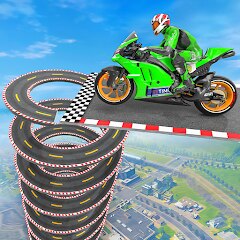
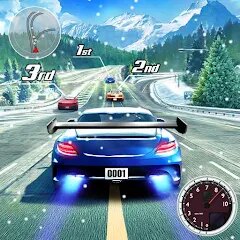
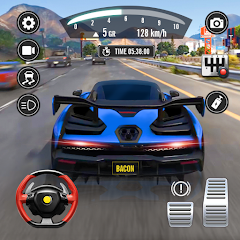
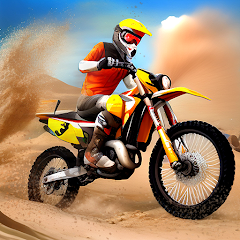

Cars Arena: Fast Race 3D


Installs
50M+Category
CarContent Rating
Everyone
Screenshots
Editor Reviews
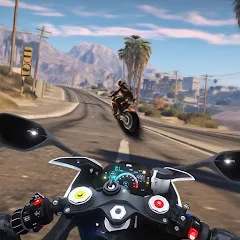
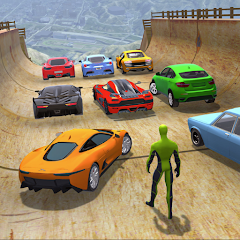
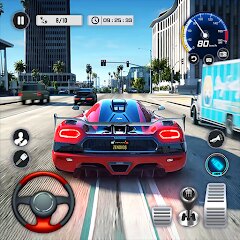
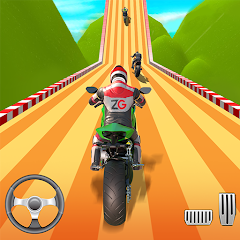
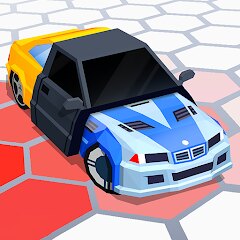
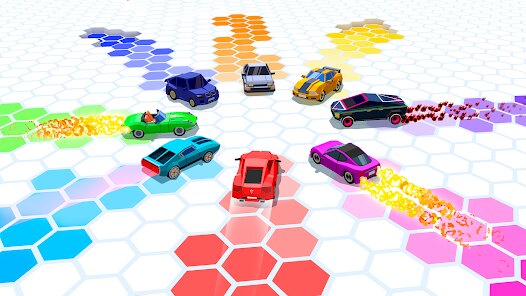
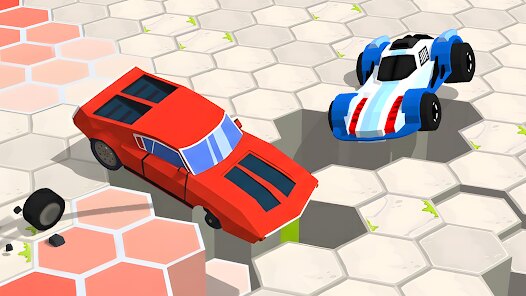
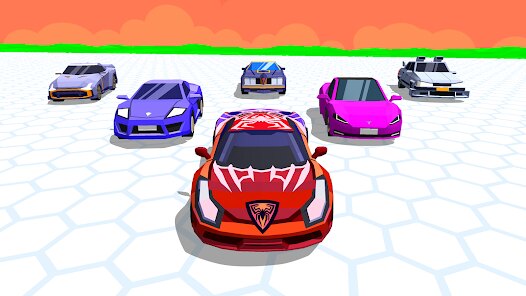
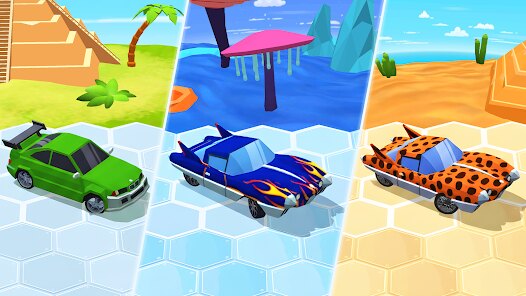
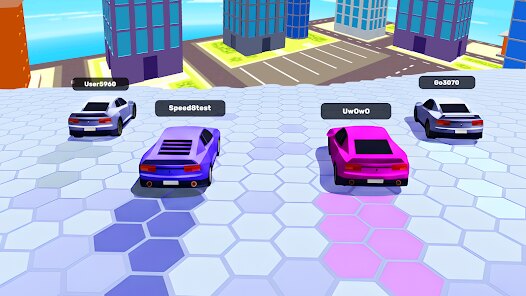
CASUAL AZUR GAMES, a developer known for crafting accessible mobile titles, brings us Cars Arena: Fast Race 3D. This game falls squarely into the endless runner and racing hybrid genre, often found on mobile platforms. The game's sound effects are functional but unremarkable; the engine hums and screeches through turns, but there's no memorable soundtrack to speak of. Similarly, the art style is clean and vibrant, focusing on neon-lit tracks and sleek, low-poly car models. While visually appealing in a minimalistic way, it lacks the gritty detail or creative flair seen in more polished titles. The storyline is virtually nonexistent — you're a driver, you race, you win. That's the entire narrative arc, which is standard for the casual mobile space but leaves storytelling enthusiasts wanting more.
A unique gameplay technique here is the use of a tilt-to-steer mechanic combined with a nitro boost system. You control your car by tilting your device, which feels intuitive, while collecting boost canisters to gain sudden speed bursts. The game also features a lane-switching mechanic, allowing you to dodge traffic and take sharper turns. However, the controls can feel sluggish during tight corners, leading to frustration when you crash into obstacles. This is a notable shortcoming; the precision demanded by some later tracks isn't fully met by the tilt response, making some races feel less about skill and more about luck. Additionally, the game includes upgradeable cars with stats like acceleration and top speed, but the progression curve can be grind-heavy, pushing you toward microtransactions.
Overall, Cars Arena: Fast Race 3D delivers a passable racing experience for quick, on-the-go sessions, but it doesn't break new ground. The gameplay is simple enough for children or casual players to pick up, but the lack of depth, repetitive tracks, and control issues limit its appeal. It's a competent time-waster, not a must-play. The achievement system offers some incentives, but the short content cycle means you'll likely get bored after a few hours. If you're looking for a no-frills racer to play during a commute, this fits the bill, but don't expect the polish or innovation of AAA mobile racers.
How to play?
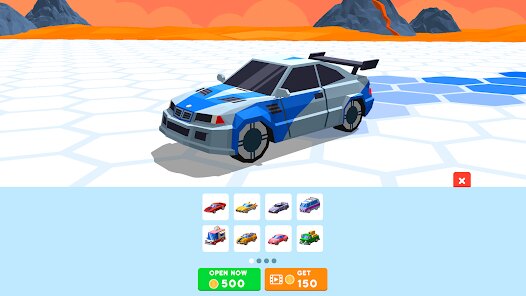
🤔 Step 1: Start the game and select your first car. Tap on the "Garage" icon to choose a vehicle; each has different stats for speed and handling. Pick one with balanced stats if you're new.
🕹️ Step 2: Enter a race from the main menu. Choose "Quick Race" to start; this mode is perfect for learning the basics without pressure. You'll face AI opponents on a simple track.
📱 Step 3: Control your car by tilting your device left or right. Practice gentle tilts to avoid oversteering. The car will automatically accelerate, but you can lift your finger off the screen to slow down slightly if needed.
🚀 Step 4: Collect blue nitro boost canisters scattered on the track. Tap the nitro button (the flame icon) to activate a speed burst. Use it on straightaways or to pass opponents, but avoid using it near corners, as it reduces control.
🔄 Step 5: Master lane switching by swiping left or right on the screen. This helps you dodge incoming traffic and navigate obstacles. Practice in early races to build muscle memory.
💨 Step 6: Manage your car's durability. If you crash too many times, your car will get damaged, slowing you down. Avoid collisions by reading the track ahead; use nitro to escape tight spots.
🏆 Step 7: After winning, use coins to upgrade your car in the garage. Focus on upgrading acceleration first, then top speed. Play more races to unlock new vehicles and challenges, pushing for leaderboard scores.
Download the App
Popular Articles
How to Get Robux Safely Without Scams
Robux is the virtual currency used in Roblox. Players use it to buy avatar items, accessories, game passes, private server access, and other digital items inside Roblox experiences.35884
How to Download Older Versions of Android Apps
By Isaac Price38855
How to Download Games on Google Play for the First Time
For many Android users, downloading a game from Google Play feels simple and automatic. But if you have never used an Android phone before, or if you are switching from another platform, the process can feel confusing at first.32520
What Is an APK File for Android? Everything You Need to Know
By Alvin Sandberg32781
Do Free Robux Generators Work?
By Amy Wire35467
Robux Pricing Guide (2026 Update): How Much Robux Really Costs
By Amy Wire39019
Disclaimer
1 . Ohican does not represent any developer, nor is it the developer of any App or game.
2 . Ohican provide screenshots, historical version Apk, links and other information, which we collected from Google Play. We will also add our own reviews to provide users with more information to choose.
3 . All trademarks, registered trademarks, product names and company names or logos appearing on the site are the property of their respective owners.
4 . Ohican abides by the federal Digital Millennium Copyright Act (DMCA) by responding to notices of alleged infringement that complies with the DMCA and other applicable laws.
5 . We guarantee the security of apk files downloaded from our site and also provide the official download link at Google Play Store and App Store.
6 . If you are the owner or copyright representative and want to delete your information, please contact us contact@ohican.com.
7 . All the information on this website is strictly observed all the terms and conditions of Google Ads Advertising policies and Google Unwanted Software policy.